Blog
Note group collaboration
What is it?
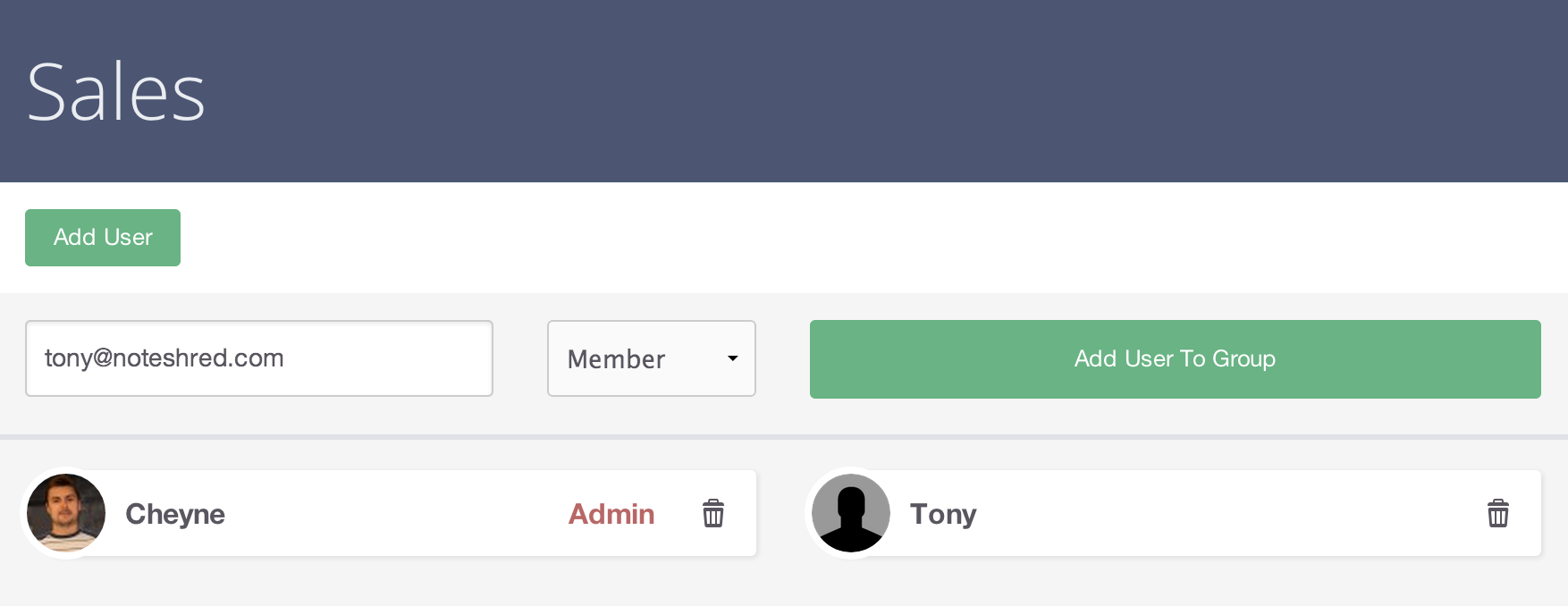
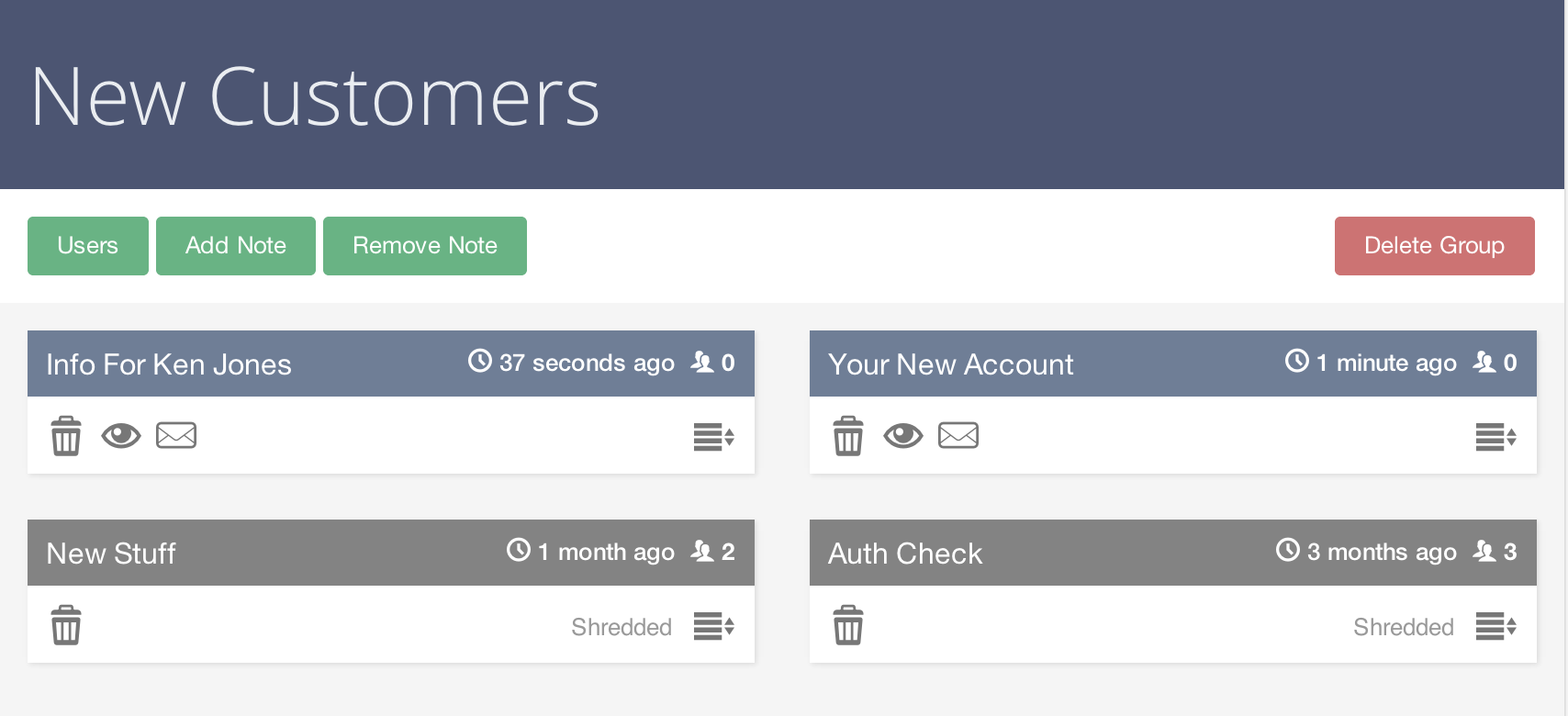
Previously when you created a note, you were the owner and only you could manage that note. This made it difficult for teams to know who sent what information where and which notes had already been created. Group notes are the solution to this problem: create a group, add other members, then add notes to the group and all members can see those notes and the related activity information. Group users can be either "members" or "admins" — admins can manage the group users, and both types can add notes to the group. The groups feature is only available to members with premium subscriptions. An activity feed can be viewed for the group to get a summarised view of all activities that have occurred, for auditing purposes.
How?
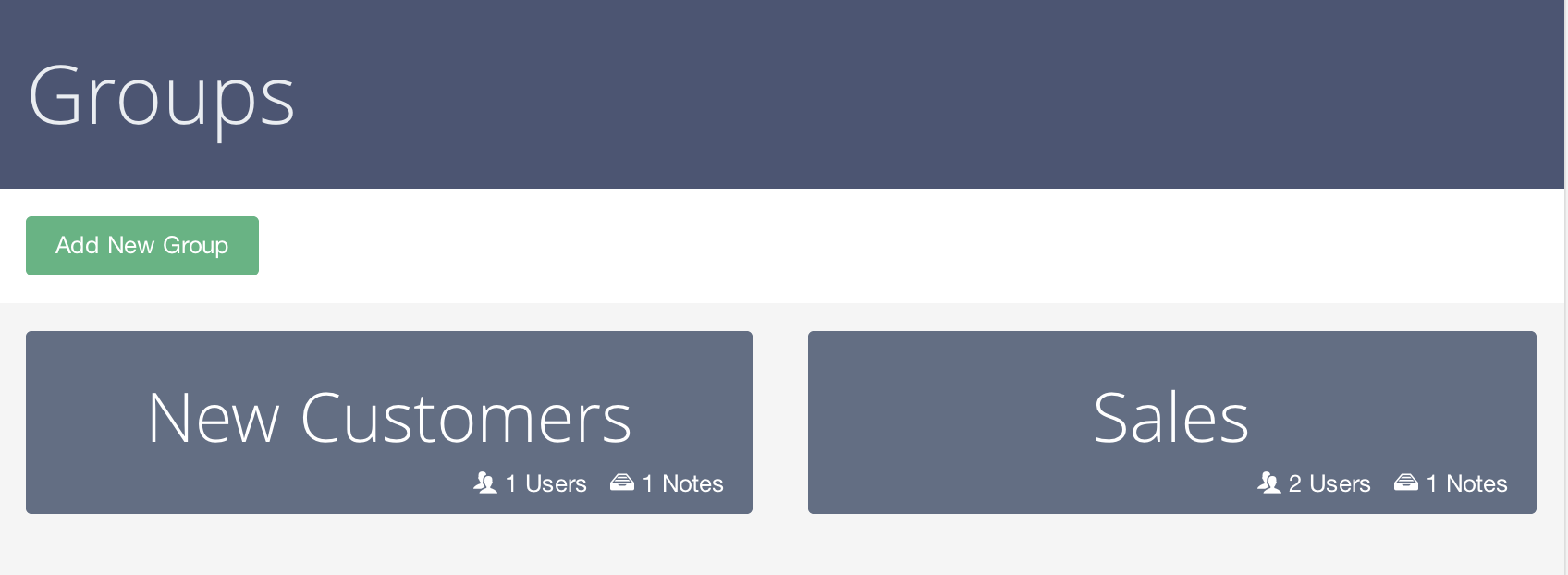
Simply visit your dashboard, click the Groups button in the sidebar, then click Add new group and give the group a name. Click the group tile, then click users and add more users to the group. Newly added users receive an email informing them they have been added and can now see that group from their dashboard.
Use cases
- Personal organisation
- Team sharing
- Customer communication management
- Centralised point of management for sensitive notes
More coming
We have received many requests for features that revolve around sharing and collaboration, and we plan on building out this functionality over the coming months. With the base functionality for organising notes into groups in place, we will be assessing the most wanted features for the next round of updates.
Screenshots