Blog
Random passwords
What is it?
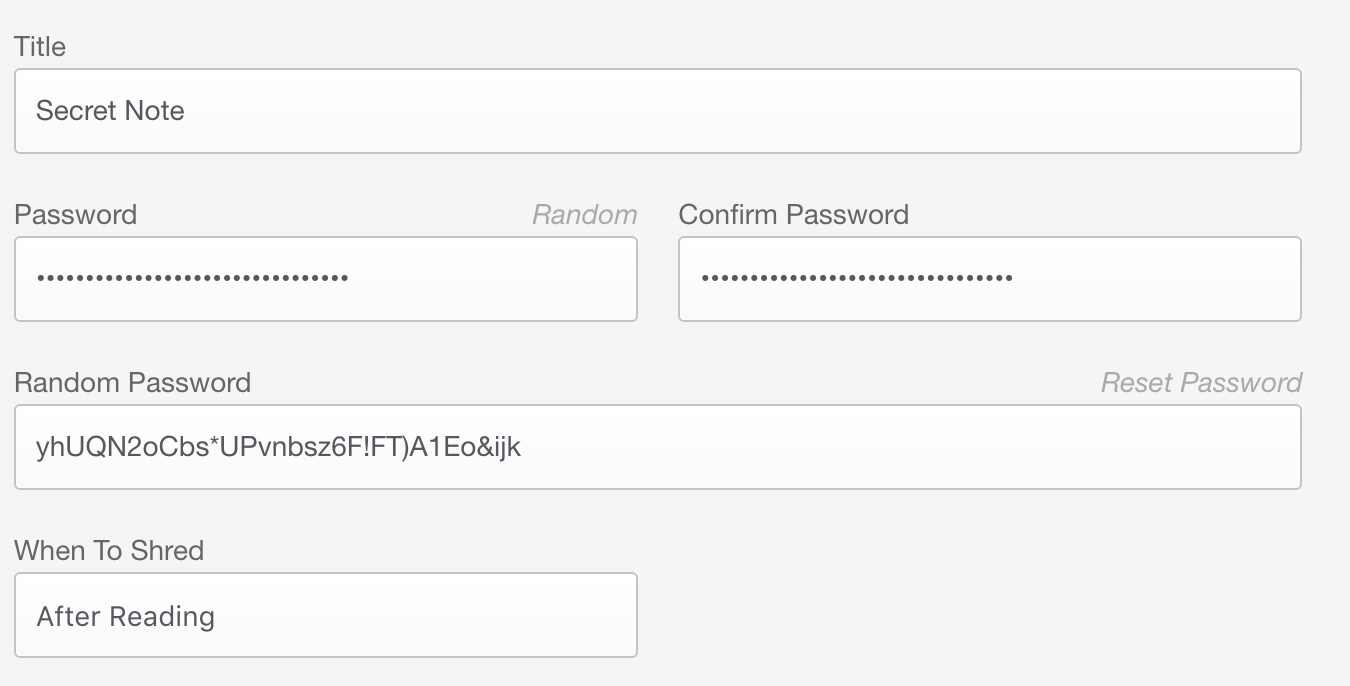
A long requested feature has been the ability to generate a random, secure password for notes instead of requiring the user to think of one themselves. When creating a new note from the web interface, you can simply click the "Random" button above the password field to generate a randomised 32 character string with varied upper case, lower case and special characters.
The new password is shown in a box below and the password input fields are automatically filled.